


Choosing biometric KYC devices
A buyer's guide for banks, telcos and field teams in Pakistan.
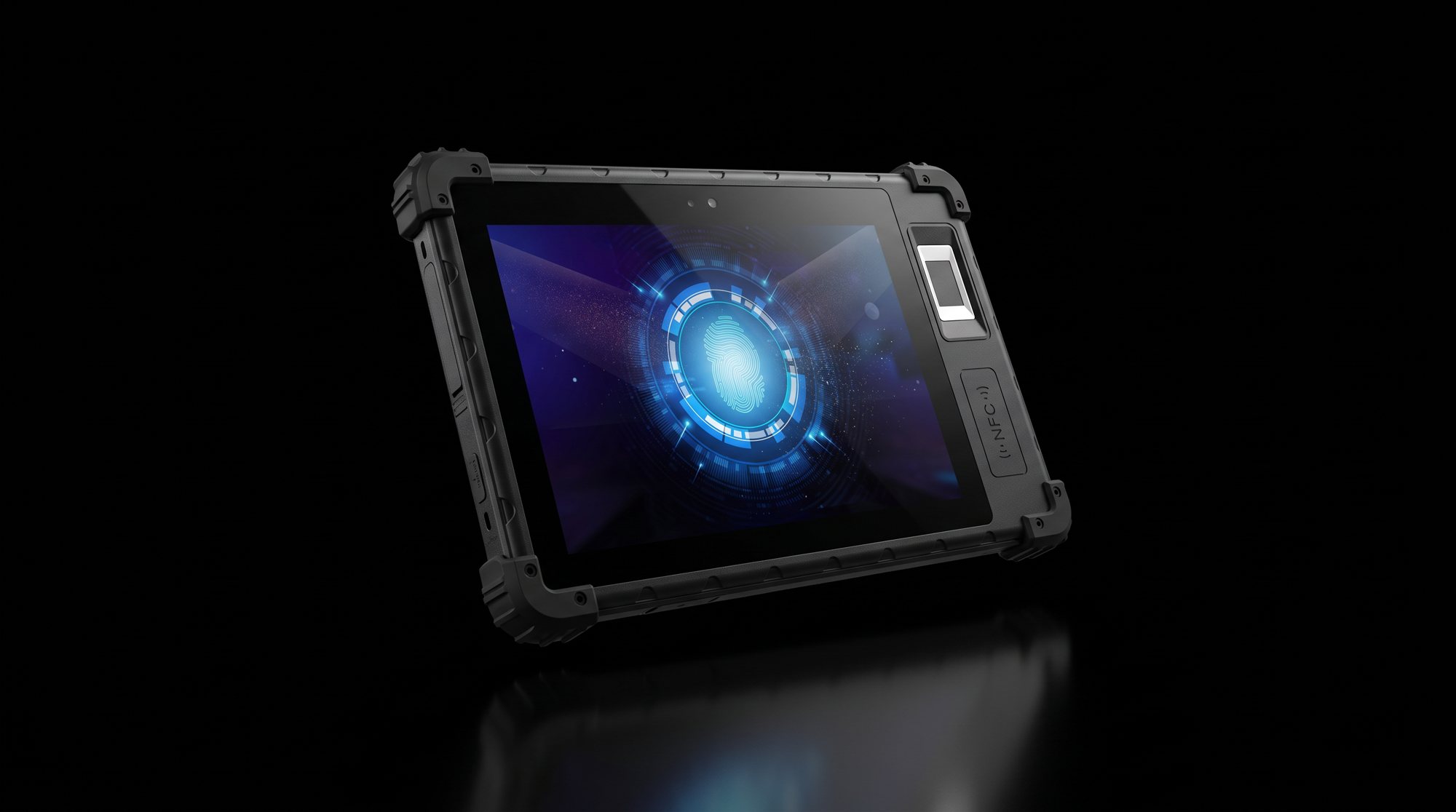
Biometric verification is now part of everyday business in Pakistan. Banks check fingerprints before opening accounts, telecom franchises verify customers before activating a SIM, and microfinance and government teams enrol people in the field. The device you choose decides how fast that queue moves, how often a verification fails, and how much your field team trusts the process. Here is what to look at before you buy.
1. Start with the sensor
The fingerprint sensor is the heart of the device. A poor sensor means repeat scans, frustrated customers and failed verifications, especially for people with worn fingertips such as labourers and older customers. Ask which sensor is fitted, which standards it meets, and whether it has been accepted by the verification system you connect to. Then test it yourself on a wide mix of people before you place an order.
2. Pick the right form factor
A branch counter and a field agent need different devices. At the counter, a compact desktop scanner or a small biometric terminal keeps things simple. In the field, a rugged handheld tablet with a built-in sensor, a large battery and 4G lets one agent enrol and verify customers anywhere. Think about where the device will actually be used every day, not where it looks best in a brochure.
- Branch and franchise counters: compact biometric terminals or tablets on a stand.
- Field enrolment and KYC: rugged tablets such as the TW-08, with all-day battery and mobile data.
- Access control: fixed biometric security units at doors and gates, see our biometric security tablet.
3. Check connectivity and battery
Field teams lose time when a device drops its connection or dies halfway through the day. Look for 4G support with the bands used by local networks, reliable Wi-Fi, and a battery that lasts a full shift with the screen and sensor in constant use. A spare battery or a fast charger is often cheaper than a second device.
4. Plan the software integration early
The device only works as well as the app running on it. Confirm the operating system version, whether an SDK is available for the sensor, and how the device will connect to your verification backend. If your IT team or software vendor needs a test unit, arrange it before the purchase order, not after the shipment arrives.
5. Make sure it survives real use
Devices used outdoors get dropped, rained on and left in hot vehicles. Ask for the ingress protection rating, drop resistance and operating temperature range, and check that the screen is readable in direct sunlight. A slightly more expensive rugged device usually costs less over three years than replacing broken ones.
6. Ask who supports it after delivery
A biometric rollout lasts years. You will need replacement parts, firmware updates and someone to call when a unit fails. Before you buy, agree on warranty terms, the turnaround time for repairs and who handles them in Pakistan. Buying through a partner with post-sales support saves you from shipping faulty units back to a factory yourself.
How TechWise can help
TechWise Global sources biometric devices through our JV partners in China, arranges samples so your team can test before you commit, configures devices with your branding and apps, and provides post-sales support after delivery. Tell us about your rollout and we will recommend the right device for your use case.