

Mini PCs for offices and front desks
Full desktop power in a box that fits behind your screen.
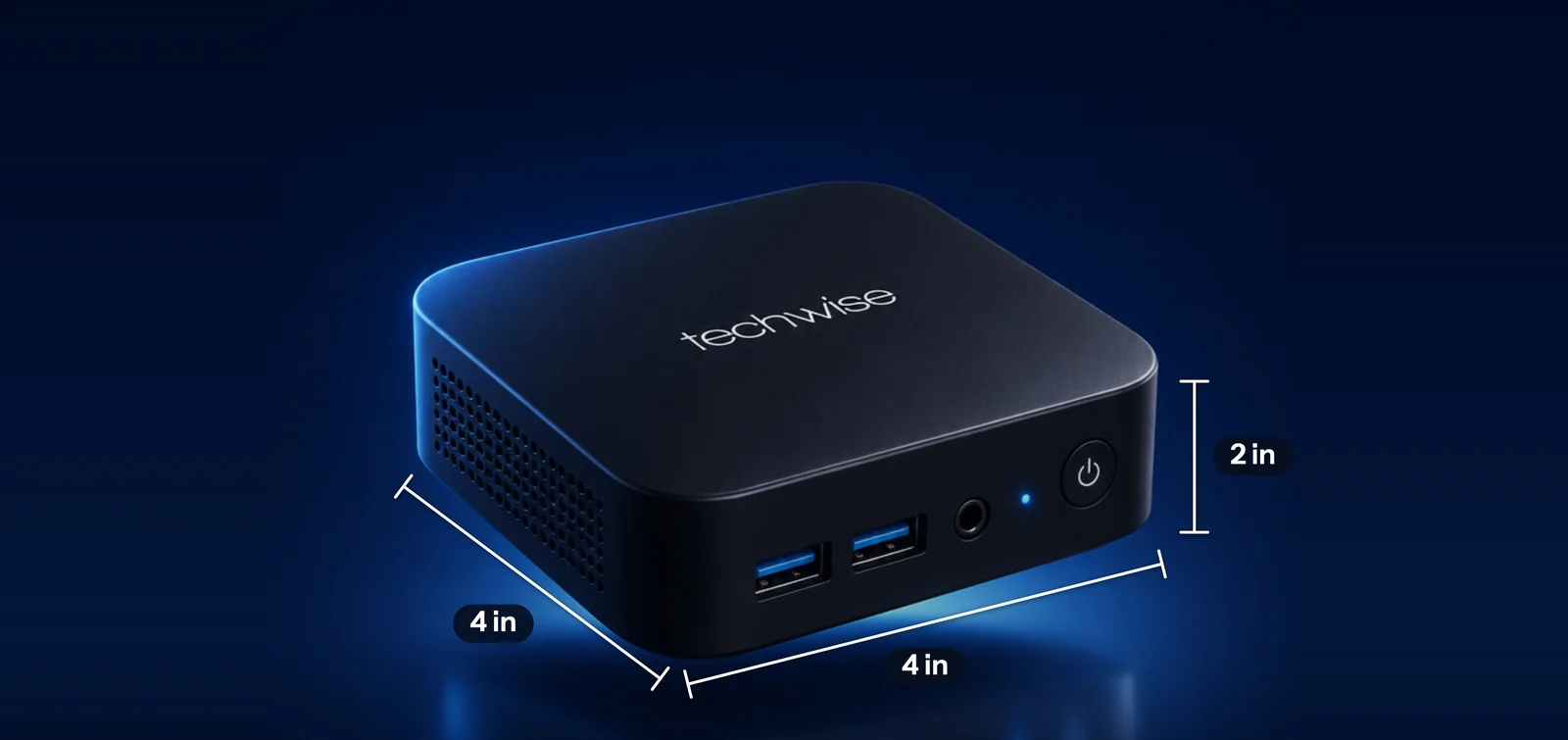
Walk into most offices in Pakistan and you will still find a large tower PC under every desk, collecting dust, heating the room and taking up space. For most everyday work such as email, spreadsheets, billing, browser-based systems and video calls, that tower is no longer needed. A mini PC does the same job from a box small enough to mount behind the monitor.
What is a mini PC?
A mini PC is a complete desktop computer in a compact case, often about the size of a hardback book. It has a modern processor, memory, SSD storage, Wi-Fi, Ethernet and the usual ports for monitors, keyboards and printers. You connect your existing screen and peripherals and work exactly as you would on a full-size desktop.
Why offices are switching
- More desk space: the PC sits behind the screen or under the counter, leaving a clean workspace.
- Lower power use: mini PCs draw a fraction of a tower's power, which means smaller electricity bills and a longer run on UPS during load-shedding.
- Quiet and cool: little or no fan noise and far less heat in small rooms.
- Fast startup: SSD storage boots in seconds, so staff start work straight away.
- Easy to replace: a faulty unit can be swapped in minutes, with no need to open a large case.
Where they work best
Mini PCs are ideal for bank branches, reception and front desks, clinic and pharmacy counters, school offices and computer labs, call centres, and retail billing points. Anywhere the work is mainly office software or a web-based system, a mini PC is usually the better fit.
What to check before you buy
- Processor and memory: match them to your software. 8GB RAM suits most office work, while 16GB is better for heavier multitasking.
- Storage: choose an SSD, with 256GB or more for most users.
- Ports: make sure there are enough USB ports, plus HDMI or DisplayPort for one or two screens, and Ethernet for office networks.
- Mounting: a VESA bracket lets you fix the PC behind the monitor.
- Bulk setup: for large rollouts, ask for the operating system, your software and your policies to be pre-installed before delivery.
- Warranty and support: agree on replacement times and a local support contact before you order.
How TechWise can help
TechWise Global supplies mini PCs for offices, branches and front desks across Pakistan. Units are sourced through our JV partners in China, can be configured and branded before delivery, and come with samples for testing and local post-sales support. Tell us about your office or WhatsApp +92 345 8726525.