


Smart POS vs traditional POS
What the shift to Android terminals means for retailers and banks.
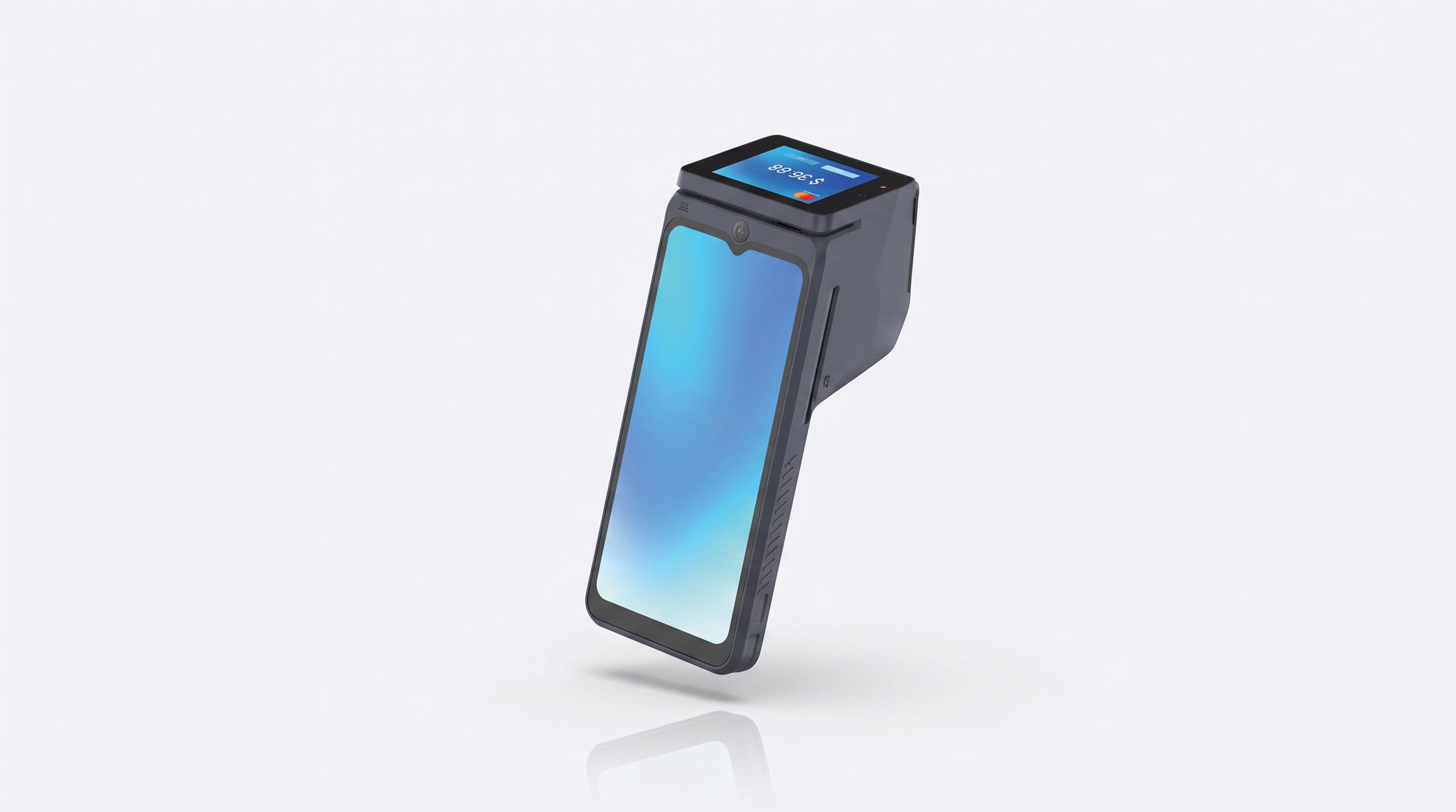
For years, a POS terminal did one job: take a card payment and print a slip. Today's smart POS devices look more like rugged smartphones with a card reader and printer built in. For retailers, restaurants, banks and fintechs in Pakistan, the difference matters more than it first appears.
What a traditional POS does
A traditional terminal runs a closed, real-time operating system (RTOS). It reads chip, contactless and magstripe cards, prints a receipt, and connects to the acquiring bank. It is secure, fast, reliable and usually has excellent battery life. What it cannot do is much else. The screen is small, adding new features means a firmware project with the manufacturer, and it does not talk to the rest of your business.
What a smart POS adds
A smart POS runs Android. It still accepts the same card and QR payments, but the large touchscreen can run business apps alongside payments:
- Order taking, billing and inventory on the same device
- Loyalty programmes, coupons and digital receipts
- Delivery and field collection apps with GPS
- Remote updates and monitoring of the whole terminal fleet
For banks and fintechs, a smart terminal becomes a platform: you can roll out new merchant services over the air instead of replacing hardware.
Which one should you choose?
Choose a traditional POS if you only need fast, reliable card acceptance at high volume and want the lowest cost per unit. A secure RTOS terminal such as the TWP-3 does this job very well.
Choose a smart POS if you want payments and business tools in one device, plan to add services later, or manage many merchants remotely. An Android terminal such as the TWP-S10 combines a 6.5" touchscreen, a built-in printer and 4G connectivity.
Many businesses use both: smart terminals at the counter and simple QR sound boxes like the TW-161 Pro for small shops and stalls, where an audio confirmation of every payment is all that is needed.
Checks before you buy
- Confirm the device holds the certifications your acquiring bank requires (PCI PTS, EMV and scheme approvals).
- Check which Android version it runs and how long security updates will be provided.
- Test battery life and printer speed in a full real-world shift.
- Make sure local after-sales support and spare parts are available.
TechWise Global sources both traditional and smart POS terminals factory direct and supports them locally. Get a quote or see our payment devices.